
Fiber backbone and cabling
We design and build the physical network layer, both inside buildings and between them.
When you need it
When the physical network needs work
Cabling is the part of a network that gets replaced least often, and the equipment running on it can only use what the physical layer allows.
New building or renovation
When you move, expand, or renovate, it pays to design the cabling around the planned workstations before the walls and suspended ceilings are closed up.
Several buildings, one network
On a single site or campus, the buildings have to work as one network, which needs a reliable, high-bandwidth link between them.
Outgrown backbone
If the network slows down because the backbone can no longer handle the traffic, the backbone cabling needs a review as well, before new equipment goes onto the old lines.
Undocumented cabling
Where several contractors have worked over the years, often nobody knows exactly which cable runs where.
Design
Inside buildings and between them
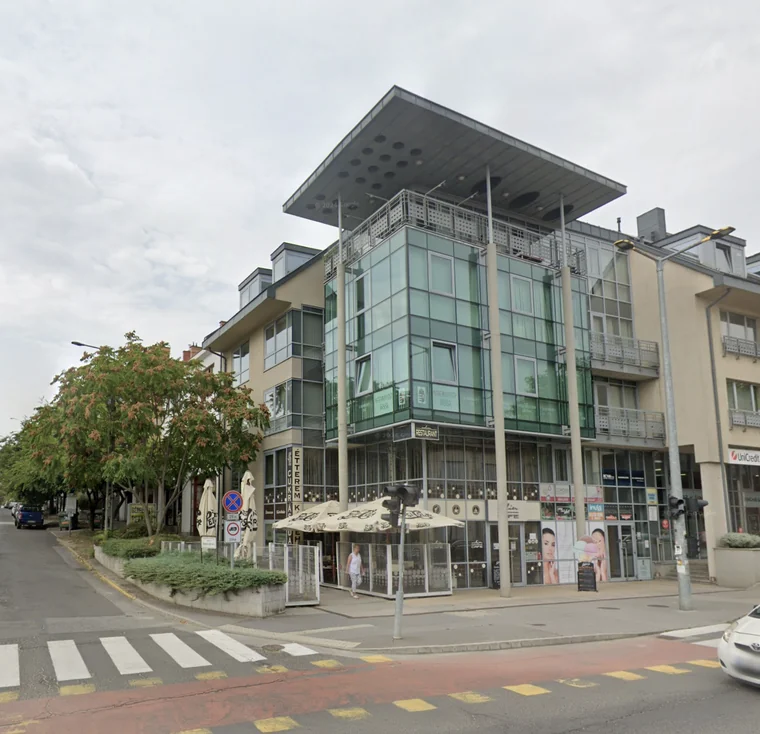
At the Hungarian Dance University, the university, its secondary school, dormitory, and studio share one network. We replaced that network’s former 1 Gbps fiber backbone with a 10 Gbps star-topology fiber network.
Read the case studyInside the building
The cabling that connects the network cabinets to workstation outlets and Wi-Fi access points, along with the risers that link the floors.
Between buildings
Buildings are usually linked by fiber. Optical fiber is immune to electromagnetic interference, creates no galvanic connection between the buildings, and covers far longer distances than copper cable.
Star-topology backbone
Each building or network cabinet connects to the core over its own fiber line. A fault on one line then affects only the part it serves, and each branch can be expanded independently.
Deliverables
What you get at the end
items handed over
- Cabling design
- Installation and testing
- Documentation and labeling of existing cable routes
Related services
What builds on the cabling
Once the physical layer is in place, the next layers are the active equipment of the backbone and the local network, and the wireless network.
Data center and backbone network
Design and build of high-bandwidth data center and campus backbone networks, with segmentation built in.
Switching and routing
Design and build of the switching and routing infrastructure of the local network, with redundancy.
Wi-Fi network with on-site survey
An enterprise wireless network built on an on-site survey done with our own measuring equipment, with separate networks for guests, staff, and devices.
Frequently asked questions
The questions we hear most
What does testing involve?
Testing means checking the installed lines with instruments. For fiber, the usual measurement is attenuation, which shows whether a connector, a splice, or a bend that is too tight is degrading the line. For copper, the test checks length, attenuation, and crosstalk between wire pairs. That way any fault can be fixed before the network goes live.
Why document the existing cable routes?
The documentation records where each cable runs from and to, and the labeling makes it identifiable on site, both on the cable and at its endpoints. When troubleshooting, nobody has to trace the line end to end, and when expanding, you can see where a spare fiber or connection point is still available.
Does a faster backbone need new active equipment?
Often, yes. Backbone speed depends on the cable together with the switches and optical modules at both ends, and the weakest element sets the upper limit. That is why it makes sense to draw up the cabling design together with the switching network that will run on it.