
Data center and backbone network
We design and build high-bandwidth backbone networks for data centers and campuses, with segmentation built in. Segmentation is part of the design from the start, so the network does not have to be split into zones later.
When you need it
Signs that your backbone needs rebuilding
When the backbone has a fault or a bottleneck, users feel it everywhere on the network.
Not enough backbone capacity
Bandwidth demand grows over time, while backbone capacity stays where it was. Access to servers slows down and traffic starts to stutter.
Recurring outages
In our reference projects, the previous, outdated active network equipment caused regular outages. When one backbone device fails, several buildings or floors are cut off at once.
Flat network
If the network has no zones, a single infected device can reach all of it. Rebuilding the backbone is a good opportunity to set up the zones as well.
New data center or building
When you build a new server room, data center, or building wing, backbone design belongs at the start of the project, while cable routes and equipment locations can still be planned freely.
Built-in segmentation
Zones at the backbone level
A VLAN is only a logical separation: if routing between segments is unfiltered, they can reach each other freely. That is why traffic between zones does not cross the backbone unchecked either. This is how we set up the zones in two of our reference projects.
Critical systems in their own zone
Critical systems and web servers were moved into their own VLAN, with strict firewall rules.
A separate VLAN for each group and building
On both the wired and the Wi-Fi network, every group, building, and function that could be separated got its own VLAN.
Filtering between zones
Traffic between VLANs was routed through the firewall and inspected with antivirus, IPS, and file filtering.
Where to start with segmentation
If your network is flat today, our article on internal network segmentation helps you decide what to separate first.
Deliverables
What you get at the end
items handed over
- Architecture design
- Equipment supply, installation, and configuration
- Segmentation at the backbone level
- Handover documentation
References
References from our network projects
Both networks were built on Fortinet equipment.
-
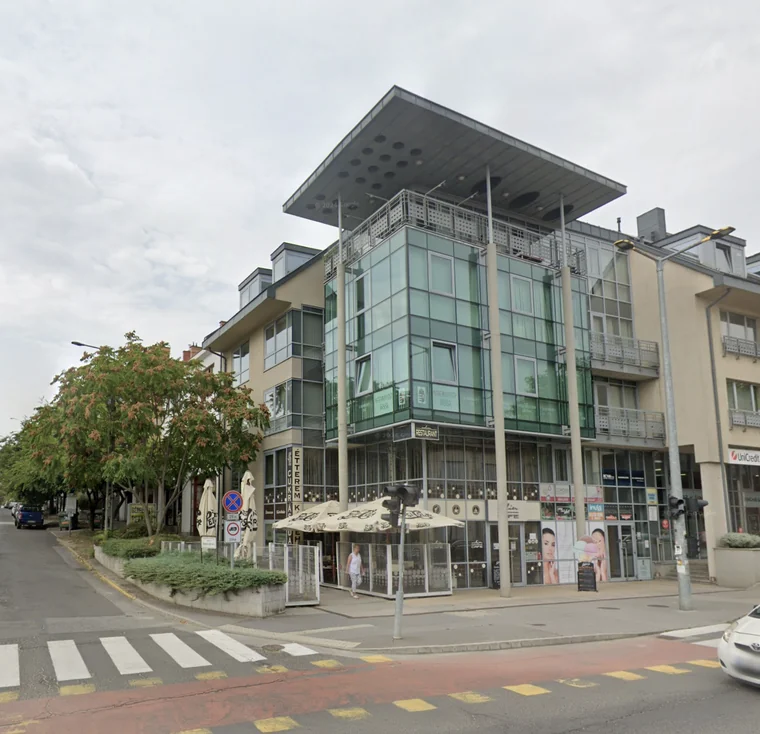
Hungarian Dance University
The network has to serve university teaching, the secondary school, the dormitory, and the studio at the same time. We replaced the former 1 Gbps fiber backbone networks with a 10 Gbps fiber network in a star topology, and swapped every switch for a high-performance FortiSwitch that does not need to be configured on site.
Result The network became stable, and the earlier disruptions and outages stopped.
-
Municipality of Gödöllő
We replaced all switches with FortiSwitch units and integrated the firewalls of external institutions, kindergartens, and nurseries into central management, so firewall rules and logging are also handled centrally.
Result Network bandwidth grew by an order of magnitude, and response times for reaching the servers and the internet went down.
Related services
What sits beneath and alongside the backbone
The backbone is built on the physical cabling. We also provide the surrounding layers as separate services.
Fiber backbone and cabling
Design and installation of the physical network layer, within buildings and between them.
Switching and routing
Design and build of the switching and routing infrastructure of the local network, with redundancy.
Network segmentation
If you are not replacing the backbone, the existing network can still be split into zones, with a scheduled rollout that does not disrupt operations.
Firewall and VPN
Design, installation, and configuration of next-generation firewalls, together with VPN for site-to-site and remote access.
Frequently asked questions
The questions we hear most
How is a backbone network different from a local network?
Local network switches connect the workstations, printers, and access points within a building or floor. The backbone connects these switches to each other and to the data center, so it needs more bandwidth. Local switching and routing infrastructure is covered by our switching and routing service.
Do you also do the cabling?
Yes, it is part of our fiber backbone and cabling service. We prepare a cabling plan, install and test the lines, and document and label the existing cable routes. If the existing cabling is adequate, the backbone network can also be built on it.
Who runs the network after handover?
We provide network maintenance under a custom agreement, within a scope agreed with the client. It covers firmware and software updates, configuration backups, and keeping a change log.